On October 28, S-GAME creative director and CEO Soulframe LIANG published a letter titled "Reason and Madness" on Steam. Most of it looks back at the twenty years between a student hobby project made in RPG Maker and Phantom Blade Zero. The part that matters before anyone presses play sits at the very end: three updates the team handed him while he was finishing the letter — a day-one patch, a pass over rasterised visuals, and a specific NVIDIA driver version.
The release itself has not moved. Phantom Blade Zero unlocks on October 29 at 02:00 UTC, which is 10:00 in Beijing; the regional table lives in the unlock-time breakdown. The letter went up at 14:26 UTC on October 28, roughly eleven and a half hours before that unlock, and the patch can be installed during that window, so nobody has to spend their first ten minutes of launch watching a progress bar.
How big the patch is, and when to install it
The letter puts the day-one patch at roughly 5 GB. That figure is for the PC build. MP1st reports the PS5 side separately: a 2 GB download carrying version number 1.301.524. The official letter does not give a PC version number, so the two platforms cannot be matched by number from the published material.
| Platform | Patch size | Version number | Source |
|---|---|---|---|
| PC | ~5 GB | Not published | S-GAME letter |
| PS5 | 2 GB | 1.301.524 | MP1st report |
Installation splits by preload status, and the letter is explicit about both halves. Anyone who preloaded the game has to download and install the update before launching; anyone who starts downloading at or after unlock receives a build that already contains the update and needs to do nothing extra.
Five gigabytes is a modest slice of a game that installs at roughly 145 GB — around three percent. The number worth planning around is the preload figure instead: the download process asks for at least 300 GB of free space before it will start, which is covered in the preload and file-size breakdown. The patch lands on top of that finished install, not on top of the temporary preload footprint.
Where the game lives matters for the download as well. MP1st relays the studio's setup advice alongside the patch details: install on an SSD rather than a mechanical drive, and where there is a choice, keep the game off the system drive so that Windows' own disk activity does not compete with the game for throughput. The same guidance covers what to do if a download or update fails for lack of space — free the space up and start the download again, rather than assuming the install is corrupted.
One asymmetry is worth knowing before launch: because the PC build has no published version number, a PC player cannot confirm the patch by reading a version string the way a PS5 player can check for 1.301.524. The available signals on PC are the download itself and its size.
What the patch changes: ray tracing, path tracing, rasterisation
The official description is one sentence long: the update "significantly improves ray tracing and path tracing performance, alongside several bug fixes." There is no percentage, no per-GPU breakdown, and no indication of which areas of the game benefit most. Anyone quoting a frame-rate gain is quoting something that was not in the letter.
The two terms describe different levels of lighting work in this game. Ray tracing handles reflections, shadows and parts of global illumination. Path tracing goes further, letting the paths that light takes through a scene drive the overall lighting, at a correspondingly higher cost. Both lean directly on the GPU, so a performance pass in those modes shows up as the same card sitting closer to a playable frame rate at the same quality preset. How much closer is exactly what the letter leaves out, and it is the kind of thing that only player-side testing settles.
The sentence also refuses to separate its parts. Ray tracing, path tracing and the bug fixes are reported together, so the published material gives no way to tell which of the three absorbed most of the work, or whether the ray-tracing gain is larger than the path-tracing one. That limits what can honestly be said before players post their own measurements: the modes improved, the amount is unpublished.
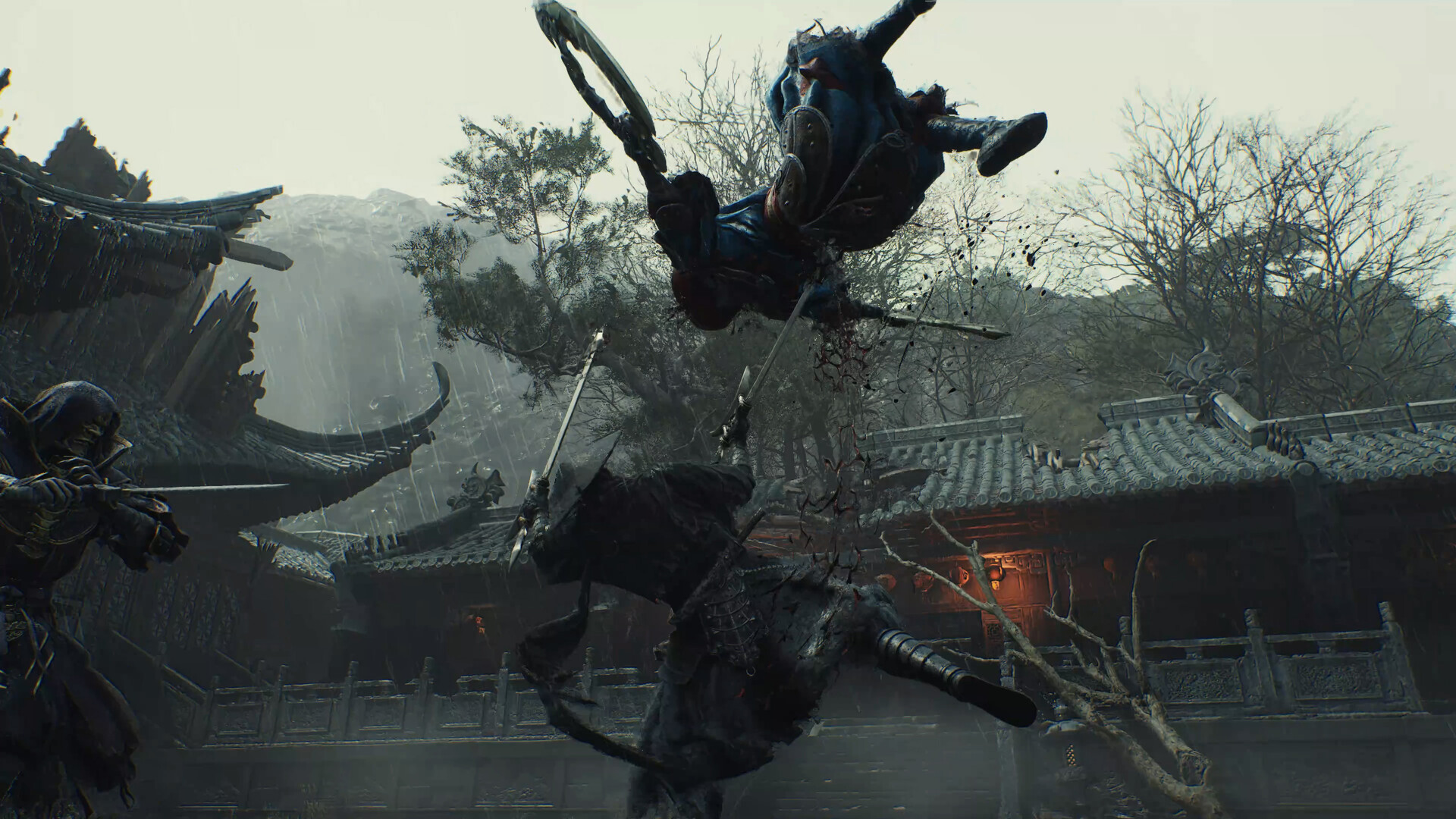
The second change is easier to skip over, because it is not about the patch at all: S-GAME says it spent a substantial amount of time on the game's rasterised presentation, so that each environment still reads according to the art direction with ray tracing switched off. The letter adds that the game was extensively tested on mid-range and lower-end PCs as well as handhelds, and invites players to try it.
That sentence creates a real option rather than a consolation prize. On hardware that cannot afford ray tracing, turning it off is not simply "dropping a tier" — it is a path the developers tuned deliberately, and the fact that mid-range machines and handhelds are named as test targets suggests the rasterised route is meant to be judged on its own terms rather than treated as the compromised version.
The practical follow-up is a single A/B test. Stand in one spot, keep the same preset, toggle ray tracing on and off, and compare both the frame rate and what changes on screen; that comparison answers which preset a given card should run far better than any general recommendation. S-GAME has not published a frame-rate table, and the letter does not say whether the game ships with a built-in benchmark.
Why the driver advice points back to 617.42
The third update is the most concrete item in the entire letter. S-GAME writes that it observed "some performance instability" with NVIDIA's latest 621.01 driver, that 617.42 currently offers the best experience in Phantom Blade Zero based on the studio's testing, and that anyone on a driver newer than 617.42 should roll back to 617.42 and choose the clean installation option. The letter asks players to stay on that version until NVIDIA ships its next driver, which S-GAME expects "soon."
617.42 carries a lower number than 621.01, so the recommendation is a step back along NVIDIA's release line rather than a sidegrade. The cost is whatever else the newer driver brought with it; the pre-launch PC technical breakdown tracks what NVIDIA packed into the 621.01 release. Rolling back trades those driver-side additions for the stability S-GAME says it measured. For a machine that has already been updated past 617.42, the letter treats the trade as worth making.
What the letter does not describe is the instability itself. It does not say whether the symptom is a lower average frame rate, uneven frame times, or stutter in specific scenes, and it does not say whether the problem covers every RTX card or only some models. As published, the guidance is a conclusion plus an action, not a diagnosis.
The other blank is timing. "Soon" is the only estimate given for NVIDIA's next driver, with no date attached, which makes 617.42 the version the studio is asking players to sit on until further notice.
The instruction is broader than one driver number, too. It covers any version installed after 617.42, not just 621.01, so a machine sitting on an intermediate release falls under the same advice. In practice that means checking the installed version rather than assuming only the newest one is affected.
Rolling back to 617.42
The action S-GAME names — reinstall the older version and pick the clean installation option — maps onto a fixed sequence in NVIDIA's installer. The letter names the action but not the clicks; the steps below follow the general shape of a driver reinstall rather than a list published by the studio.
- Check the current driver version first, either in the NVIDIA app's driver panel or through the display adapter properties in Windows, and confirm it is actually newer than 617.42 before changing anything.
- Download 617.42 from NVIDIA's driver download page or through the NVIDIA app.
- Run the installer and choose the custom installation path rather than the express one, then tick the clean installation option.
- Reboot, then return to the same place used in step one and confirm the version now reads 617.42.
- Launch the game only after that check, so a driver problem and a game problem never get mistaken for one another.
The difference between a clean install and an ordinary one is that the former removes the previous driver and its configuration before writing the new one, instead of installing over the top. The side effect is that customised entries tied to the old driver — display settings, colour profiles and the like — can be cleared along with it, and have to be set again afterwards. Writing those values down before starting is cheaper than reconstructing them from memory later.
Order between the patch and the driver does not matter much, as long as both are finished before the game is launched. Patch first or driver first both work; doing either one after a first session only adds a restart in the middle of launch night.
Three settings buried in the same letter
Beyond the three updates, the letter names three in-game settings that shape how the game feels, all of them adjustable at launch.
The tone of clashing blades can be adjusted. The audio settings include an option that changes how weapon-on-weapon impacts sound. S-GAME uses it as its example of detail work: the same parry can be tuned to taste rather than fixed by the developer.
PS5 offers three button layouts, and PC remapping goes further. The console build ships with three layouts, while the PC build exposes more flexible remapping. For anyone arriving from another action game, this is the setting that decides whether muscle memory carries over or has to be rebuilt.
Aspect ratio support reaches ultrawide. The game is adapted for 16:9 monitors and TVs, 16:10 laptops and handhelds, and ultrawide displays with ratios beyond 3:1.
The letter also explains where these details came from: conversations with players at shows in Beijing and Shanghai, Los Angeles and São Paulo, which the studio says shaped decisions down to the smallest settings. That is worth knowing when judging the list — these are choices the team says it made after watching people hold the controller, not items invented for a launch post.
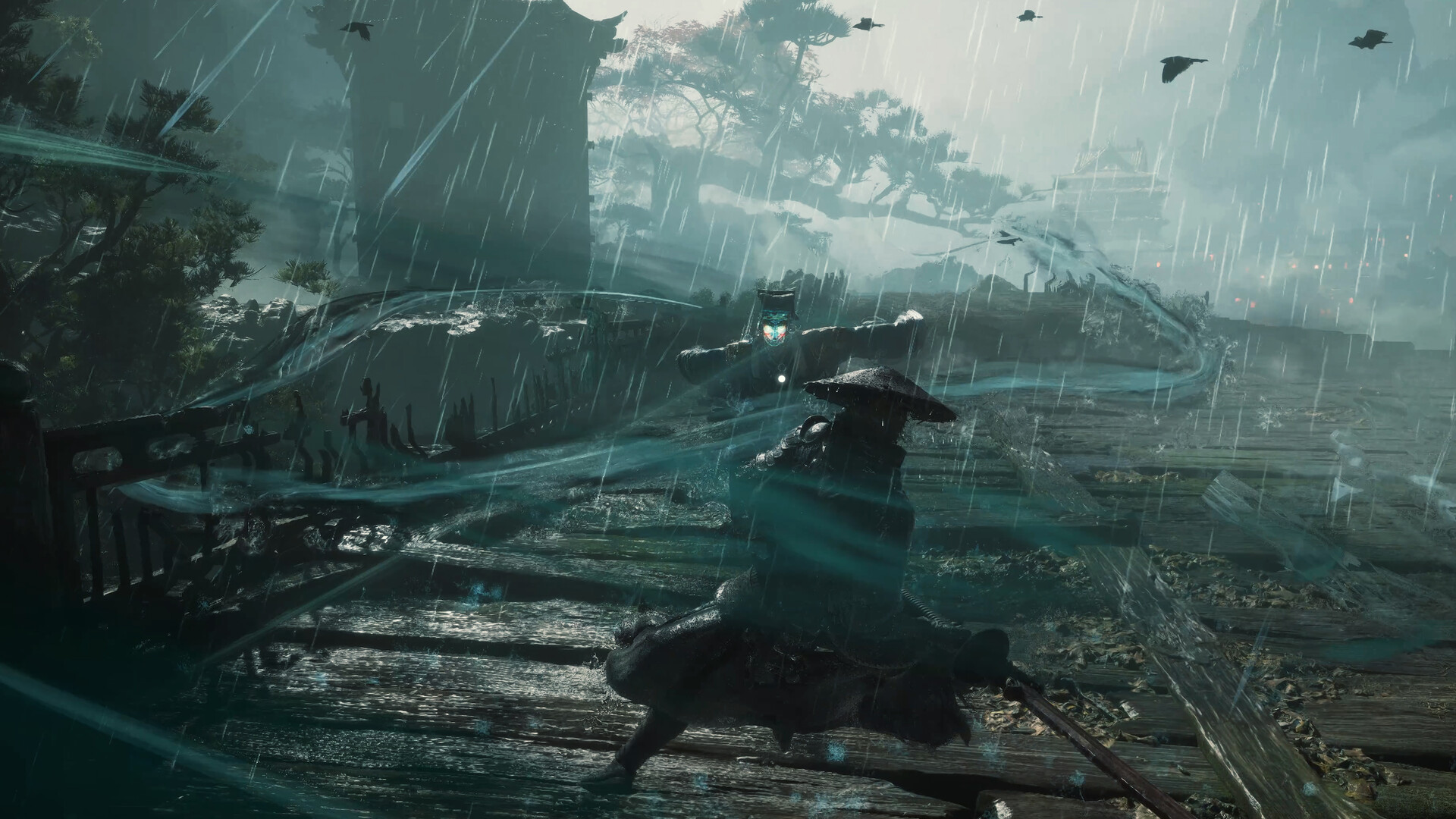
Put together, the pre-launch list is short: install the patch, move the driver back to 617.42, then spend a minute on clash tone, button layout and aspect ratio once the game is running. The unlock time itself is unchanged — October 29, 02:00 UTC.