On November 4, S-GAME published a Steam community post titled "Patch Notes (Version 1.0302256)" — the first patch for Phantom Blade Zero since the game launched on October 29. The notes are short and split into three groups: new features, improvements and adjustments, and bug fixes. One line in the middle of them decides how long PC players wait every time they open the game.
The version numbers need separating first. The official post gives only the PC build, 1.0302256. MP1st's November 4 report adds the console side: the PS5 update shows up as 1.302.289, and both platforms went live the same day. Nothing in the notes adds content — every item is a setting, an adjustment or a fix, which places the patch in maintenance territory rather than a content drop. The day-one patch followed the same pattern — the official post said "approximately 5GB" while the PS5 figure of 2GB and version 1.301.524 came from press coverage, as recorded in our day-one patch breakdown.
Version Numbers, Download Size, and Two Platforms
The patch notes do not state a download size. Gamersky's report on the evening of November 4 gives 3.7GB and specifies that this is the Steam update. That number is a reasonable expectation before downloading, but it is not an official figure, and no PS5 size has been published.
| Platform | Version | Patch size | Source |
|---|---|---|---|
| PC (Steam) | 1.0302256 | 3.7GB | Version from the official notes; size from Gamersky |
| PS5 | 1.302.289 | Not announced | Version from MP1st |
The version numbers are worth noting for their own sake. The two platforms run separate numbering: the day-one PS5 build was 1.301.524, this one is 1.302.289, while PC moved to 1.0302256 on a different scheme. Looking for the PC number on a PlayStation will not find a matching entry.
The notes themselves run to fifteen items across the three headings: two new features, eight adjustments and five fixes. That ratio is the shape of the patch — most of the work went into tuning and repair, and the only genuinely new options are the two audio sliders and the PC remap.
Faster Startup: What Changed in Shader Compilation
This is the most concrete change in the document. The official wording: the shader compilation process was updated to significantly reduce startup times, and ray tracing shaders are no longer compiled by default at startup.
The notes then split players into three cases and give an action for each:
| State before the patch | First launch after installing | Afterwards |
|---|---|---|
| Ray tracing was off | Shaders recompile once; the notes say this takes only a short time | Normal startup, no repeat |
| Ray tracing was on | Game starts immediately, no recompile | Normal startup |
| Planning to turn ray tracing on later | Unaffected | Ray tracing shaders compile separately on the next restart |
Why this matters goes back to launch week. The most common PC complaints then were stalls at shader compilation: the progress bar crawled, and some players force-quit and relaunched repeatedly, turning a one-time compile into several. Our Steam review score breakdown documents that pattern. Shader compilation is a standard PC preprocessing step: console hardware is fixed and can be prepared in advance, while every PC has its own combination of GPU and driver, so the work has to run locally. Shaders are the small programs that tell the GPU how to draw each material and lighting effect; a game ships their source, and the driver translates it into machine code for the specific card, which is why the first launch on a given machine takes longer than later ones. Ray tracing shaders are a heavier subset of that work, and a driver update can invalidate the cached results and force it again. Removing the ray tracing portion from the default path moves the heaviest part onto the players who actually use it.
The notes give no figure for how many seconds were saved, nor how much total compilation was removed. What is certain is the sequence: players who keep ray tracing off no longer wait for ray tracing shaders.
Hua, Deadly Betrothed: Grab Attacks Reduced on Two Difficulties Only
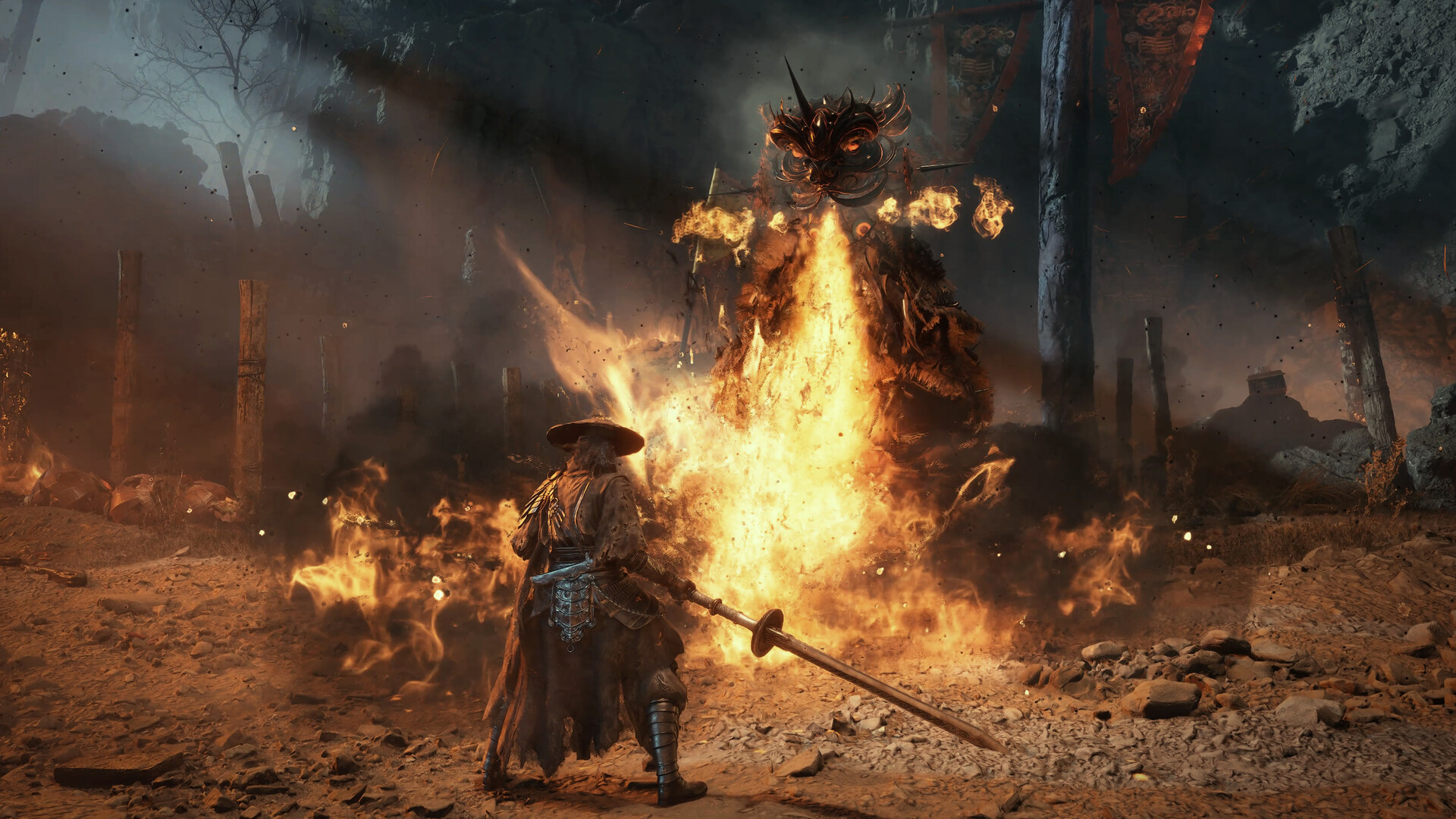
The second item singled out by media coverage is a boss adjustment. The official line: the frequency of grab attacks used by Hua, Deadly Betrothed is reduced on Wayfarer and Pathbreaker difficulties, and other difficulty settings are unaffected.
The four difficulties map to Wayfarer, Pathbreaker, Hellwalker and the Sixty-Six Days mode that unlocks after a first completion; our difficulty guide has the full table. Under this note, the latter two keep their original grab frequency. GamingBolt's report states the same thing directly: Hellwalker and 66 Days Mode remain unchanged. Wayfarer is the entry setting built around story and exploration, and Pathbreaker is the standard difficulty, so the cut lands at the level where a player is still learning the fight rather than in the challenge tiers.
No numbers are given — not the percentage reduction, not which grabs count, not whether a single combo string was touched. The same section also carries a broader line about adjusting "the combat behavior of certain bosses and enemies, along with the functionality of certain environmental mechanisms." No names are attached, so any specific boss list would have to come from players testing or a later statement.
Three PC Fixes for Input and Display
Beyond startup, the PC side gets three changes, each aimed at a specific device or settings combination. All three carry a [PC] tag in the notes, which is the document's way of saying console players get none of them:
- "Interact / Talk" can now be remapped on both keyboard and controller. The action was previously fixed to a default binding, which meant players whose movement and dodge layout conflicted with it had to adapt.
- Stuttering that could occur with a controller connected over Bluetooth is reduced. Bluetooth shares the 2.4GHz band with Wi-Fi and USB 3.0 traffic, so dropped input packets are a familiar source of visible hitching; listing this as its own fix indicates the stutter was not an isolated case.
- NVIDIA Reflex now works when set to "Auto" with V-Sync enabled. Reflex is NVIDIA's input-latency reduction technology. V-Sync holds each frame until the display is ready, which lengthens the render queue, and Reflex trims that queue, so the two settings interact directly; previously the Auto setting did not engage with V-Sync on, leaving players to pick "On" manually or choose between the two.
None of these change how the game plays, but all three are the kind of thing felt immediately after updating, particularly for Bluetooth controller users.
Sound and Impact: Two New Sliders
The new features section adds two audio options: "Hit Sound Intensity" and "Hit Impact Sound Intensity," both under the audio settings. The names are close but the targets differ: the first controls the overall level of the sound layer played on a hit, the second the impact portion of that hit. The notes do not break down the mixing further, only that both can be adjusted in the settings menu.
Paired with them is a line stating that weapon hit feedback was improved and the volume of certain sound effects and dialogue adjusted. Feel is among the most discussed aspects of an action game like this, but "improved" carries no measurement, and the notes do not say whether a new audio layer was added, the mix was changed, or both.
The same group includes an easily overlooked change with real reading impact: weapon descriptions, certain skill descriptions and controller button icons were updated. Revised skill text may point to wording that was unclear or did not match actual behavior; the notes do not list which entries changed.
The Fix List: Progression, Getting Stuck, and AMD Hair
Five fixes are listed, all phrased broadly:
- Issues that could prevent progression under certain conditions;
- Environmental issues that could cause the player character to become stuck;
- Various issues with cutscenes and visuals;
- Several combat-related issues;
- Incorrect character hair rendering on certain AMD graphics cards with specific driver versions.
The first two deserve separating. A progression block is a hard stop; a character stuck in geometry is recoverable but breaks the flow of a session. Neither entry names a chapter, area or trigger condition. Anyone hitting a similar problem should first confirm the build number — 1.0302256 on PC, 1.302.289 on PS5 — before filing a report; the notes close with a link to the official support page.
The last item is unusually specific: AMD cards, particular driver versions, character hair. Rendering faults of that shape usually trace back to driver-side shader compilation or model handling. The notes do not name the affected driver versions.
Three Things to Do After Updating
Once the patch is installed, three items are worth checking in order.
The first is the ray tracing state. The three cases are laid out in the table above; the one point it does not cover is that force-quitting during a recompile makes the next launch start over.
The second concerns mods. The notes end with a dedicated warning: some third-party mods are not compatible with this update and may cause issues, and players who run into problems after updating should remove installed mods. The warning itself indicates that mod-versus-patch conflicts are common enough for S-GAME to flag them in advance.
The third is the build number. PC players should see 1.0302256 and PS5 players 1.302.289; a different number means the update has not finished installing. For anyone returning to the game after a break, the first session after updating is also the one that recompiles shaders if ray tracing was off, so a short wait there is expected rather than a fault.
What this patch addresses is the cluster of complaints from launch week: slow startup, Bluetooth controller stutter, the pressure from Hua's grabs on the lower difficulties, and several defects that could halt progress. It brings no new content and publishes no measurements — the download size, the performance gain and the exact boss tuning are all left for players to verify.