Phantom Blade Zero began preloading on the morning of October 27, on both PC and PS5. An official Steam community announcement published on October 26 supplied the two PC figures that had been missing for weeks: the game is approximately 145GB, and the preload process asks players to reserve at least 300GB of free disk space. Those two numbers formally close the "PC size unannounced" gap this article used to describe.
The original version of this piece was written on October 17, when the PC side was still a blank. The PS5 figure has not moved since: 134.857GB, read out of PlayStation Network data by a tracking account rather than published by the studio. What follows separates three things that are easy to blur together — what state the preload is actually in, what each of the two PC numbers refers to, and how preloading interacts with refund eligibility and with the unlock moment. Local unlock times are covered in our unlock time article and editions and pricing in the pre-order guide; neither is repeated here.
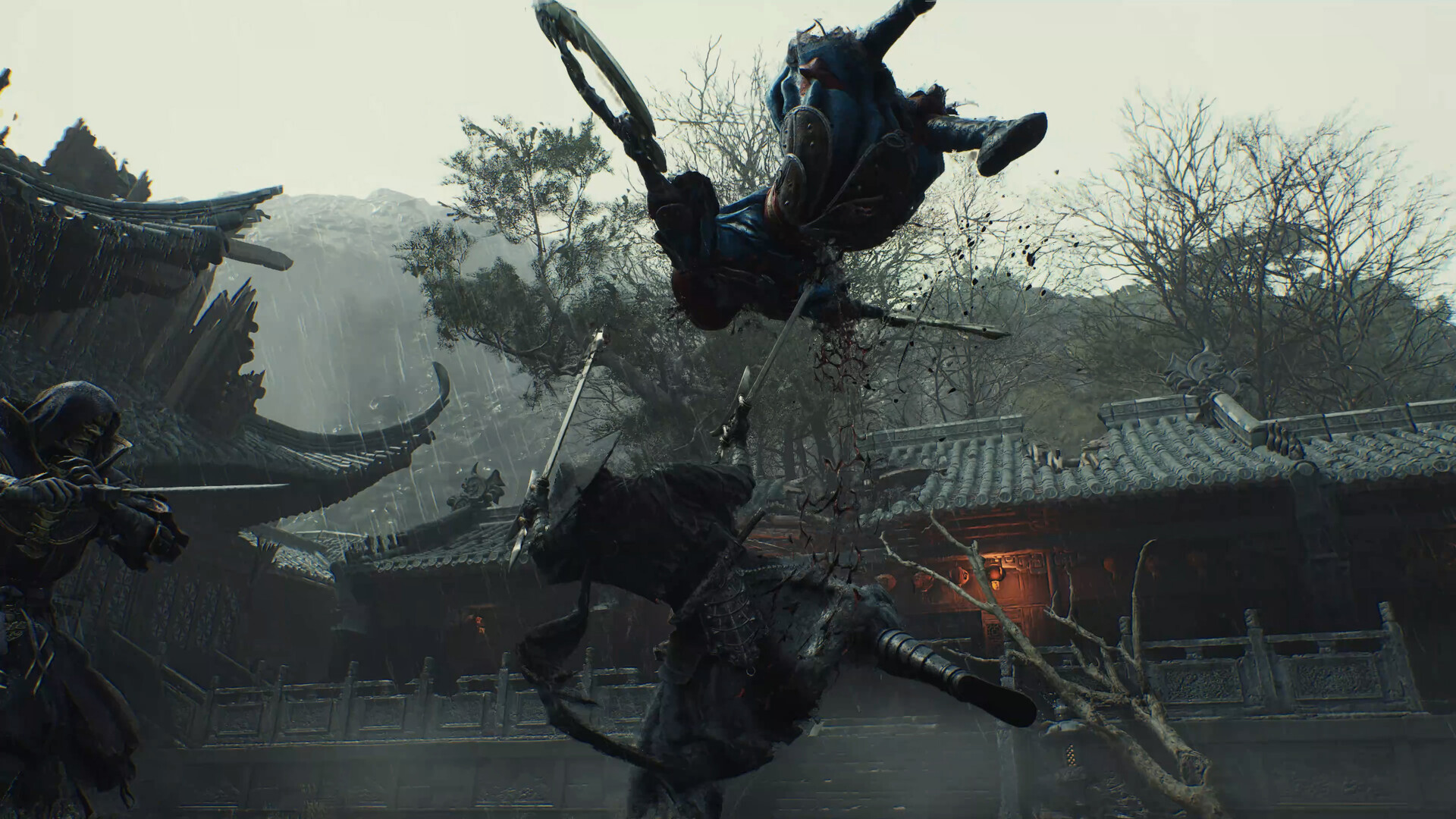
Official Phantom Blade Zero screenshot from the Steam store page (source: S-GAME / Steam).
The preload is live: October 27, PC and PS5 on the same day
The official Steam notice is written so that no inference is required. Preload begins on October 26, 2026, at 7:00 PM PDT — 02:00 UTC on October 27, or 10:00 a.m. Beijing time. The same notice puts the launch at October 28, 2026, at 7:00 PM PDT, which is 02:00 UTC on October 29 and the same instant the PlayStation Store pages have carried all along. The notice itself went up at 12:37 UTC on October 26, roughly thirteen hours before the preload opened — which means the practical window for clearing disk space was a single evening.
This is also the first time both moments appear side by side in one official document; until now this site had assembled the pair from two different channels. Chinese-language outlets headlined the opening on October 27 with the 10:00 start and the 300GB warning for PC players. That PC and PS5 opened on the same day follows from the notice itself rather than from those reports.
One correction to this article's previous version belongs here. The October 17 draft treated October 27 as store-side information, on the grounds that no official preload announcement existed at the time. The October 26 notice supersedes that judgment, and the official wording now governs.
The PC build at 145GB: three numbers, not one
The notice delivers three separate instructions. First, the game is approximately 145GB. Second, players should reserve at least 300GB of free disk space "for the pre-load process." Third, the game must be installed on an SSD, and the notice adds a recommendation to update graphics drivers to the latest version before starting.
All three are official. The distinction that matters is that 300GB and 145GB are not the same kind of quantity: one is the free-space threshold the preload asks for, the other is the size of the installed game. Treating the announcement as evidence that the game is "actually 300GB" is the most common misreading of this kind of notice. The 300GB figure describes how much room your drive needs before you press preload, not how much the game will end up occupying.
The older number needs retiring properly. Around August 30, players reported that the Epic Games Store client had briefly displayed a pre-download button for Phantom Blade Zero, with an install window showing roughly 150GB; clicking through produced an error, and nothing further followed. That was a storefront interface exposing something early, never confirmed by the studio. The official 145GB is a different figure from a different source, not a second measurement of the same thing, so the two should not be reconciled, averaged, or used to check each other. The official number wins.
The PC requirements table still has no storage line. The four official tiers list an SSD as mandatory and describe GPU and resolution targets, which are covered in our PC requirements article. Capacity information currently comes from the store news feed rather than from the specifications block.
The checklist: an SSD, 300GB of headroom, and a driver update
Put the notice's three requirements into the order a player would actually work through them:
- Install on an SSD. The notice's own words are "install the game on an SSD," and the requirement is listed as mandatory rather than advisory; a mechanical drive is not a supported target no matter how much space it has.
- Free up at least 300GB. Note that the threshold is free space, not total capacity — a large drive already holding other games usually yields less headroom than its label suggests.
- Update the graphics driver. The notice puts this alongside the storage requirement as a pre-launch task rather than a troubleshooting step.
The notice gives the 300GB threshold and stops there: it does not explain why the preload process needs more than twice the finished size of the game. That silence is worth respecting. Phrases like "it unpacks to double size" or "temporary files equal one full copy" have no corresponding text in the announcement; this article does not use them, and readers should be wary of any guide that derives a personal space saving from a mechanism the studio never described.
The actionable conclusion is narrow: plan for 300GB now, not 145GB. If a drive clears 145GB but not 300GB, the announcement's own condition is unmet, and adding capacity is faster than retrying the download. On a machine where the system drive is already full, an additional SSD is the straightforward route, since the game has to live on one anyway.
The PS5 build stays at 134.857GB, from PSN data
The console figure has not changed. On October 17, GamerSky relayed a figure that the tracking account PlayStation Game Size had read out of PSN's back end: the PS5 download size is 134.857GB, slightly smaller than the 145GB now official for PC. Its status is unchanged too — this is store-side data. Neither S-GAME nor PlayStation has published a console capacity statement, and this site's own checks of five regional store pages in late September, plus a re-check of the US page on October 1, found only the October 29, 02:00 UTC unlock stamp in the page data, with no capacity field anywhere.
The two platform figures cannot be converted into each other. They come from different sources — an official notice on one side, PSN listing data on the other — and the packaging and delivery differ as well. 134.857GB holds on PS5 and 145GB holds on PC; neither validates the other.
A note on precision, since it caused confusion before: the raw data carries three decimal places, and both GamerSky in Chinese and TwistedVoxel in English printed 134.857GB as given, while eTeknix shortened it to 134.8GB in a headline. That is a difference in rounding at the point of retelling, not two conflicting measurements.
For PS5 owners the preparation differs from PC: budget for roughly 135GB of download plus some headroom, and clear or expand console storage if it is tight. The preload opened on October 27.
Where to check the real progress
The client answers faster than any report. On PC there are two places: the Phantom Blade Zero entry in the Steam library shows preload state and downloaded volume, and the client's downloads page shows the queue and transfer rate. If the entry still reads as an upcoming release with no download option, the preload has not been applied to that account yet, and refreshing the client or signing in again is the first thing to try. On console there is one place: the download entry for the game in the console's game management screen, along with the Automatic Downloads toggle, where the reserved space changes as the download advances.
Once the preload finishes, the library entry switches to installed while the play button stays inert until the unlock. That state is normal: the files are local and the entitlement to run them is not open yet. It is not a failed preload, and reinstalling will not change it.
One more thing is easy to misjudge: the store page still displays October 28 with no clock time, which is Valve's display-layer date rather than a contradiction of the notice's October 28, 7:00 PM PDT. The absence of a preload badge on the store page does not mean the account has no download either — preload state lives in the library entry and the download queue, not in the store blurb.
Preload versus refunds: on PS5 the download ends the window, on Steam it does not
This rule only starts to bite once the preload is live. The PlayStation Store cancellation policy counts a pre-release preload as main content: once a download or stream has started, a pre-order can no longer be cancelled and no refund is issued, short of a fault in the content itself. The policy also warns that enabling Automatic Downloads in system settings starts the download without further action. In practice, a PS5 player who let the preload run on October 27 has already closed the refund window.
Steam carries no such restriction: a pre-order can be refunded at any point before release, preloaded or not. The full comparison of the two regimes, including the self-service paths and payout timing, sits in our pre-order refund article.
For anyone still undecided, the refund question is the one to settle before pressing download: on PS5 the sequence is irreversible, while on PC it is not.
A finished preload still waits for the unlock: October 29, 02:00 UTC
Preloading only moves files onto the drive; it does not move the playable moment. The notice's October 28, 7:00 PM PDT and the October 29, 02:00 UTC stamped on five regional PlayStation Store pages describe the same instant, which is 10:00 a.m. on October 29 in Beijing. Conversion tables for other regions are in the unlock time article.
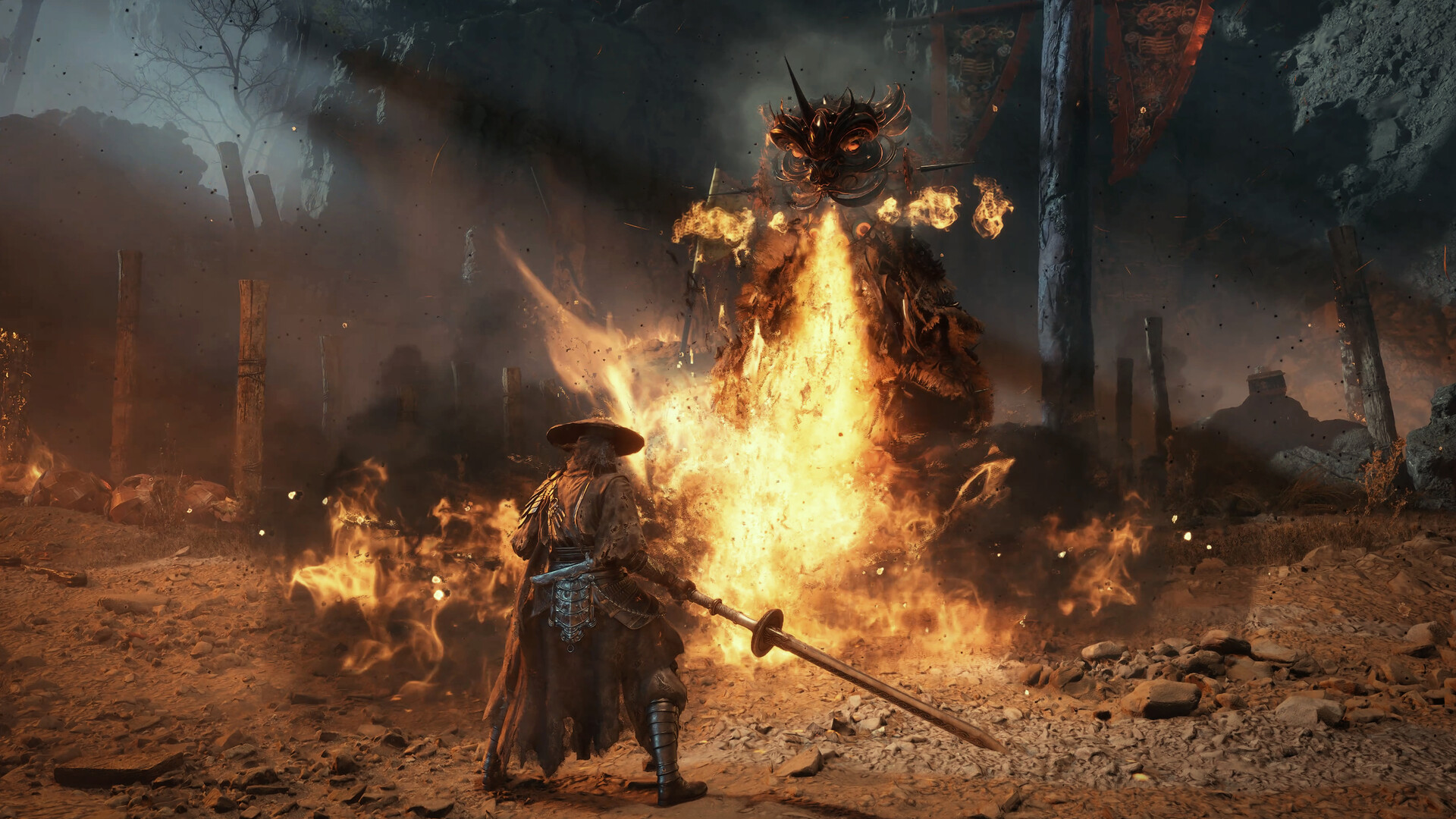
Official Phantom Blade Zero screenshot from the Steam store page (source: S-GAME / Steam).
With a day left, the checklist is short. On PC: reserve 300GB, confirm the install target is an SSD, update the graphics driver. On PS5: confirm the download entry and the Automatic Downloads state. And if the refund decision is still open, leave the download button alone. Both questions this article set out to answer now have an executable answer — 145GB and 300GB from the studio's own notice, 134.857GB from PSN data, each carrying its own label.