As of September 27, 2026, Phantom Blade Zero is five weeks away from its October 29 global unlock, and its Steam store page already answers a set of questions that trailers never get to: does the PC version track achievements, do saves follow you across machines, can one purchase cover the rest of your household, and what happens to the controller you already own. The page does this through a row of feature labels that Steam displays alongside the price and the system requirements. They are easy to scroll past, and most store listings never reward a second look — this one does, because several of the labels carry real weight for how you will play a melee-first action game over a multi-month stretch. This article walks through every label the page currently lists and explains what each one changes for you. If you are checking whether your machine qualifies, the four-tier PC system requirements breakdown covers that separately.
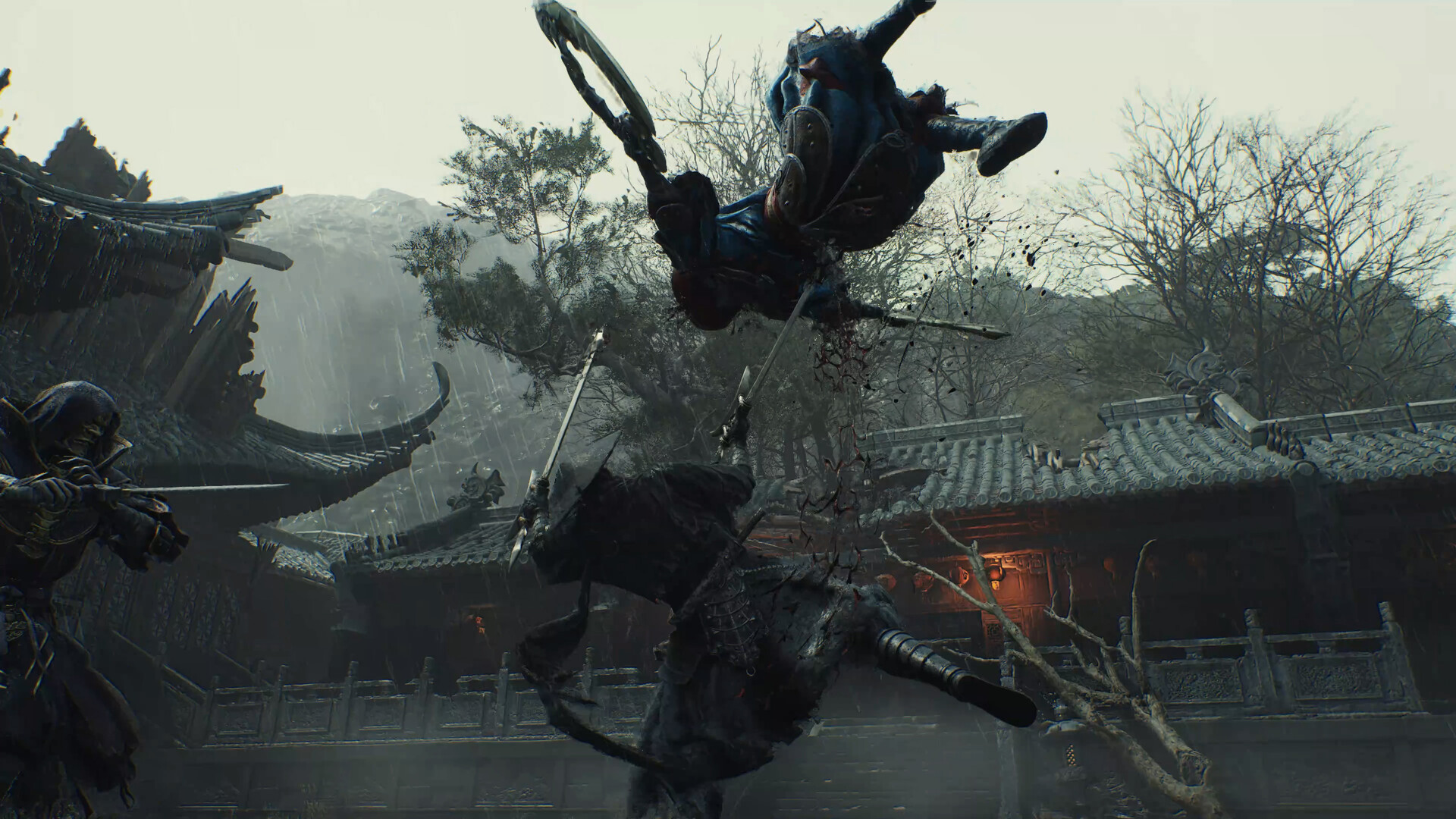
An official Phantom Blade Zero screenshot shown on the Steam store page. As of September 27, 2026, the same page lists every feature label decoded in this article.
What the store page actually lists
Start with the full picture. The Steam store page for Phantom Blade Zero currently carries the following labels: Single-player, Steam Achievements, Full controller support, Adjustable Text Size, Custom Volume Controls, Adjustable Difficulty, Gamepad Recommended, DualShock Controller Support, DualSense Controller Support, Steam Input API Support, Stereo Sound, Subtitle Options, Steam Cloud, and Family Sharing. These entries are filed by the publisher in the store backend and displayed by Steam itself, which makes them an official statement of scope rather than a reviewer's impression or a community wish list. When the page says the game supports Family Sharing, that is the publisher declaring it.
Before going label by label, it helps to group them by the questions they answer. The controller cluster — full support, the recommendation, the two PlayStation pads, and Steam Input — tells you what happens in your hands. The progression cluster — achievements, adjustable difficulty, and Steam Cloud — tells you what persists across a launch window that now includes confirmed multiple endings and new-game-plus content. The presentation cluster — text size, volume controls, subtitles, and stereo sound — tells you how flexibly the game renders itself on your specific setup. Family Sharing stands a little apart, answering a purchase question instead of a play question.
| Label | What it declares | What it changes for you |
|---|---|---|
| Single-player | A solo-only structure | No party or subscription requirements to plan around |
| Steam Achievements | An achievement system exists | Long-term goals; total count not yet public |
| Full controller support | Playable start to finish on a pad alone | No keyboard fallback needed in menus |
| Gamepad Recommended | The intended input is a pad | Expect combat tuned for stick and trigger play |
| DualShock Controller Support | PS4-era pads are officially declared | Existing hardware stays useful |
| DualSense Controller Support | PS5 pads are officially declared | Same — no Xbox-format purchase required |
| Steam Input API Support | Valve's mapping layer is available | Unusual or older pads get a compatibility floor |
| Adjustable Difficulty | Difficulty is not a one-way gate | Lower it to keep moving, raise it back later |
| Steam Cloud | Saves sync through Steam | Reinstalls and second machines lose nothing |
| Family Sharing | Household members can play on their own accounts | One purchase can cover several players |
| Adjustable Text Size | UI text scales | Couch distance and readability are manageable |
| Custom Volume Controls | Separate volume control options | Music can sit under combat audio cues |
| Subtitle Options | Subtitles are individually configurable | Language and readability settings stay flexible |
| Stereo Sound | A declared audio baseline | No surround requirement for the core experience |
The four controller labels, read together
Full controller support is the heaviest entry in the controller cluster. Within Steam's labeling system it means the game is completable on a controller alone, from launch through menus to gameplay and shutdown — not the partial arrangement where a pad works in combat but the interface demands a mouse. For a game whose combat lives or dies on close-range timing, that matters more than it would on a strategy or management title, and it is paired with a second label, Gamepad Recommended, that states the intended default outright. Read together, the two labels say the development team expects you on a pad and has built the experience around that assumption; keyboard and mouse exist, but they are not the center of gravity.
The DualShock and DualSense entries are worth a separate look if you play on PC but came up on PlayStation hardware. Both are officially declared supported, which means the controller you already own for a PS4 or PS5 is a first-class citizen here — nothing about Phantom Blade Zero's PC version forces an Xbox-format purchase the way some ports effectively do. One boundary is worth stating plainly: these labels declare support, not specifications. The PS5 console version declares DualSense vibration and trigger effects support on the PlayStation Store page, a detail confirmed in the PS5 Pro Enhanced comparison; how faithfully the PC build reproduces that feedback is a question for launch reviews, because the Steam labels make no promise about haptic specifications either way.
Steam Input API Support is the most technical of the four and the most valuable if your pad is unusual. Steam Input is Valve's input-mapping layer: it translates a wide range of devices — older pads, unofficial controllers, remapped profiles — into inputs the game understands, and it lets you rebuild button layouts and stick curves without touching the game's own settings. It is also the layer the Steam Deck runs on, which is why it intersects with the separate question of whether Phantom Blade Zero runs on the Deck at all — a hardware-feasibility analysis that stands apart from these labels. For controller owners, the practical reading is that compatibility has a floor under it: if the native declarations somehow miss your device, Steam Input is the fallback that keeps it usable.
| Your situation | Which label does the work | What to expect |
|---|---|---|
| You own a PS4 or PS5 controller | DualShock / DualSense support | Declared native support; no new hardware needed |
| You own an Xbox-format pad | Full controller support | Covered by the pad-first default |
| You own something older or unofficial | Steam Input API Support | Mapping layer provides a usability floor |
| You are deciding whether to buy a pad at all | Gamepad Recommended | The game is tuned for pad-first play |
Achievements exist; the count does not
The Steam Achievements label confirms that the PC version ships with an achievement system. What the page does not state, as of September 27, 2026, is the total — the count typically surfaces on the store page close to release, and until it does, any specific number attached to the PC version is speculation. The on-record detail closest to achievements comes from the console side: the creator's September 9 letter and the reporting that followed confirmed that all achievements are reachable within the first three difficulty levels on a single playthrough, while a separate mode aimed at second runs, the "66 Days" mode, waits beyond them — the details are laid out in the one-run platinum and 66 Days explainer. None of that translates directly into a Steam achievement list, which is exactly why the missing count is worth waiting for rather than guessing at.
Adjustable Difficulty belongs in the same conversation because it changes what achievements imply. The label confirms that difficulty is not a one-way gate sealed at character creation; it can be adjusted during play. Set against the structure confirmed in the creator's September 9 letter — four difficulty levels, eight endings, and an estimated twenty-to-thirty-hour first route — the practical meaning is this: a wall lowers so the story keeps moving, and a run that feels too comfortable can be turned back up without discarding progress. For players eyeing achievement completion specifically, that combination is good news in both directions, since a difficulty stumble does not have to become a replay. The full set of difficulty choices is compared in the weapons and difficulty guide.
Steam Cloud: insurance for a multi-run game
The Steam Cloud label confirms that save data syncs through Steam's cloud service (label state checked on September 27, 2026). Its value scales with how you actually play. On one machine that never changes, it is a quiet safeguard — reinstalls, drive upgrades, and dead SSDs no longer take a save with them. Across two machines, a desktop and a laptop, it is the difference between playing where you are and duplicating progress by hand.
For this game specifically, the label earns more weight than it would on a one-and-done title. The structure confirmed in the creator's September 9 letter — an estimated twenty-to-thirty-hour first route, eight endings, and second-run content — means the save you are protecting is not a single thirty-hour artifact but the foundation of several, and Steam Cloud carries it with the account rather than the hardware. One boundary keeps the label honest: the page declares cloud saves without specifying sync timing, and sync behavior is determined by the game and the Steam client together. The label guarantees that saves travel; it says nothing about when they sync.
Family Sharing: one purchase, several players
The Family Sharing label places Phantom Blade Zero inside Steam's household-sharing system, as of the September 27, 2026 snapshot of the page this article is based on. In that system, family members see and play your purchased game from their own accounts, each keeping an independent save and an independent achievement record — no account lending, no password sharing, no duplicate purchase. For the common setup of one shared computer and several separate Steam accounts, the label is worth the 268 yuan the standard edition costs in the China region before anyone presses start.
Two edges of the system deserve explicit wording. First, shared does not mean simultaneous: household members play their own sessions, but a single copy of a game is generally not playable by two people online at the same time, and the precise shape of that restriction for this title is not something the label addresses — it is a launch-week verification, not a launch-week guess. Second, the store page also declares Denuvo anti-tamper software, covered separately in Phantom Blade Zero confirms Denuvo; how DRM and household features interact on launch day is an adapter-level question that the page does not answer, and prediction adds nothing that a launch-week test would not settle.
Text size, volume, and subtitles: three labels with specific owners
Adjustable Text Size, Custom Volume Controls, and Subtitle Options are the easiest labels to skim past and the hardest to play without for the players they serve. Adjustable text size means the interface type is not locked — the difference between comfortable and squinting on a living-room screen at couch distance, or for tired eyes late in a session. Custom volume controls matter more here than the label's blandness suggests: a game whose defensive reads ride on audio rhythm needs the option to keep music low and combat cues clear, and the label declares that option exists. Subtitle Options confirm subtitles are individually configurable, which pairs with the confirmed language setup — full voice work in English and Simplified Chinese, with fifteen supported languages overall, detailed in the voice acting and languages rundown.
These three sit in the same spirit as the accessibility declaration on the PlayStation Store page, and the full console-side comparison lives in the PS5 Pro Enhanced comparison.
Verifying the page yourself takes three steps
None of this requires trusting a secondhand summary, including this one. Step one: open the Phantom Blade Zero page on the Steam store and scroll past the media and purchase sections to the feature labels, then match them against the table above. Step two: for the machine-readable original, load Steam's app details endpoint for the title — store.steampowered.com/api/appdetails?appids=4115450 — in a browser, and read the categories field, which is the raw list behind the rendered labels. Step three: cross-check the labels against the official announcements where they leave gaps. The unlock date is the clearest case: the date a regional storefront displays can differ from the official October 29 announcement, and the reason is laid out in the PS Store and Steam unlock times piece.
A closing note on timing. Every label in this article was verified on September 27, 2026, five weeks before unlock, and publishers routinely adjust store pages in the final month — an achievement count appearing, requirements shifting a line, or languages being added are all normal late moves. If you are reading this after launch, treat the store page as the live record and this as a snapshot; if the page and the article ever disagree, the page wins.